
I have made some improvements to my Star Hunter-game that I originally described in “Making a 2D platform game with Godot 3.0”. You can get the updated code from GitHub or try out the deployed HTML/Webassembly-version here: https://larsbergqvist.github.io/star-hunter-game/
Use Godot version 3.* to build and run the code.
Demo
Here is a demo of the game running in a browser on an iPhone:
Start screen
There is a new start screen where the player can select options, view instructions, view the leaderboard or start a new game.
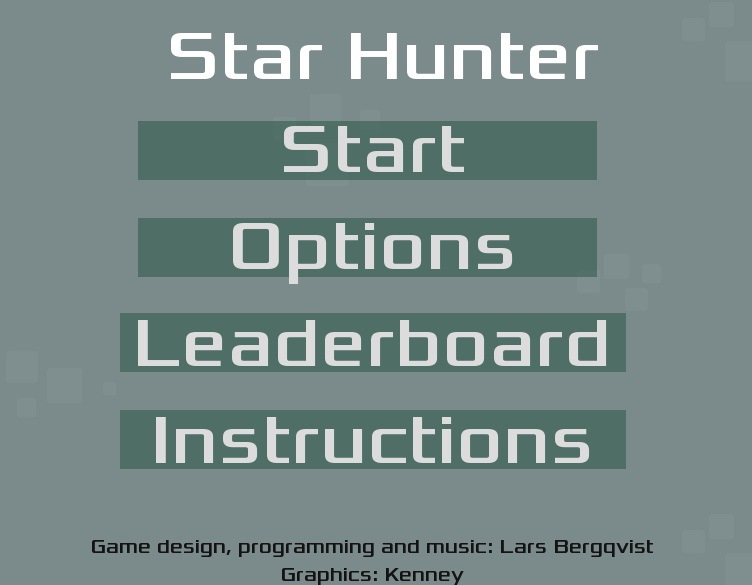
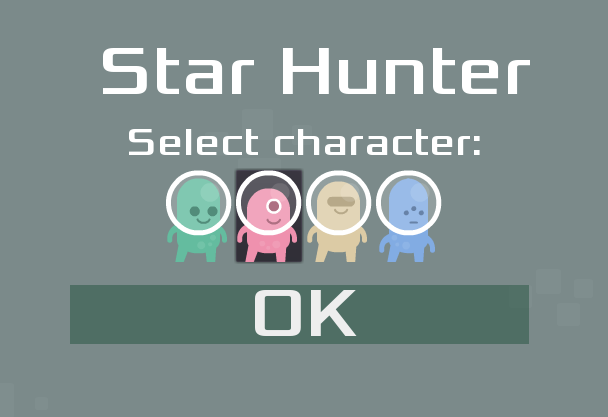
If you set testing = true in global.gd, you can also select the start level from the options screen.
Leaderboard and highscore API
I have previously made a simple highscore service that is hosted in Azure with a MongoDB database. This service can store player results for arbitrary games and I currently use it for some simple web games. I have now registered a new entry for the Star Hunter-game and I have made an integration from this Godot game.
The highscore service exposes a REST API and with GDScript in Godot, this can be accessed with an HttpRequest-node (using GET and POST).
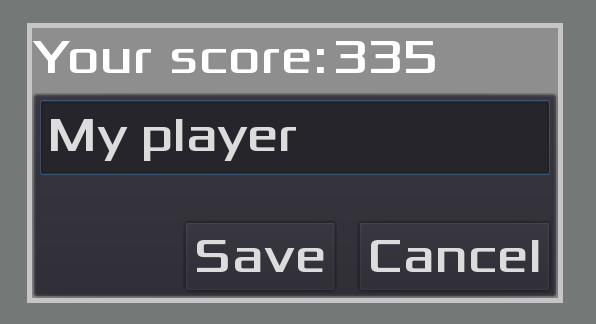
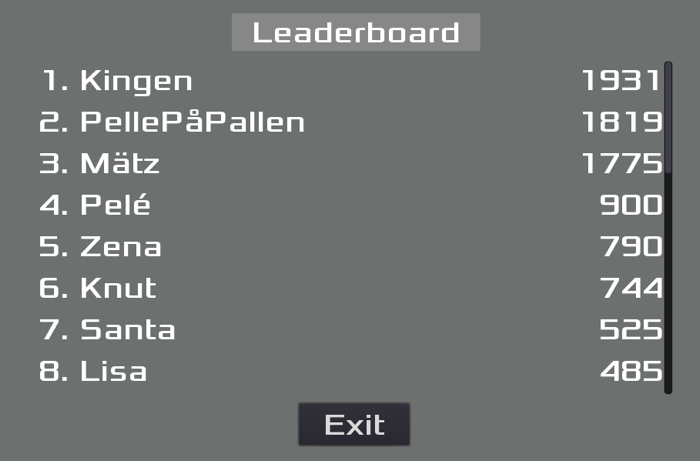
The code for the highscore service is available here: https://github.com/LarsBergqvist/highscore-service. If you fetch the Start Hunter-game code you have to use your own instance of the highscore service. If the connection to the service is not wired up, you will get failure messages when trying to save a highscore or trying to view the leaderboard.
The url for the api, the apikey and the gameid is defined in the global.gd file in the Star Hunter code base.
Shooting orbs
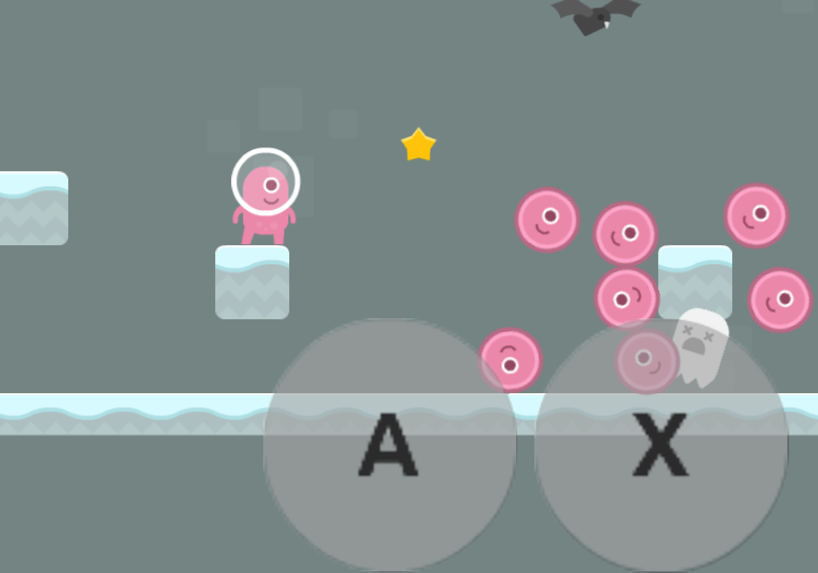
The player can now shoot orbs (press space, S or the on-screen A-touch button) to kill enemies. The number of orbs available are limited but the player can collect new ones by open up boxes in the in game.
Emoticons
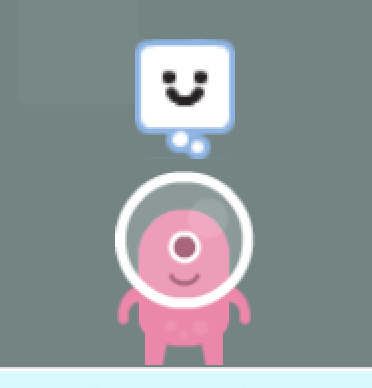
For displaying the mode of the character, there are now different emoticons/”thought bubbles” that accompanies the player sprite.
Moving platforms
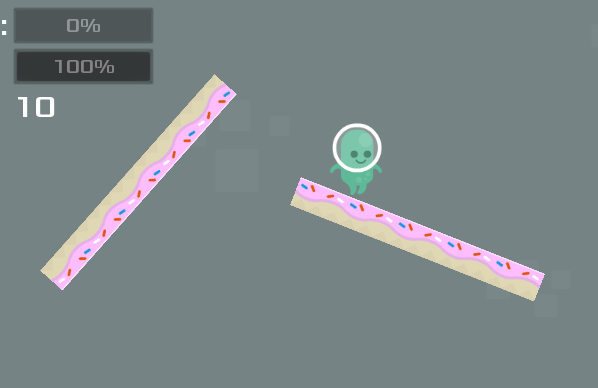
To add some dynamics to the levels I have added moving platforms that the player has to navigate to get through the level.
Touch-screen support
The game can be deployed to html/webassembly and to make the game usable on mobile devices I have added touch screen buttons (a D-Pad and actions buttons). I use OS.has_touchscreen_ui_hint() to check if the game is launched on a device with touch screen and if so, show the on-screen buttons.
Refactoring
As the game code base has grown, refactoring has been needed. The code editor within the Godot IDE is not the best when working with large amounts of scripts so I use Visual Studio Code instead. I use the godot-tools extension for VSCode which is really nice. It even supports debugging a Godot game from within VSCode. https://marketplace.visualstudio.com/items?itemName=geequlim.godot-tools
Endless gameplay
The game has a limited number of levels but it supports endless gameplay by restarting from the first level when the last level is completed. When a new set of levels starts, the difficulty is increased by increasing the number of spawned enemies.
Further enhancements
Feel free to clone the code repository and adjust it as you like. Contact me if you have any ideas or feedback that you would like to share.


